EVIDENCE IS 0.01% OF DATA. FIND IT.
Guided Analysis helps you analyze evidence fast.
Your automated DFIR assistant.
Guided Analysis takes investigation data from any source, prioritizes it by level of suspicion, and recommends additional items as you review.
Find what matters without taking forever.
KNOW WHERE TO START
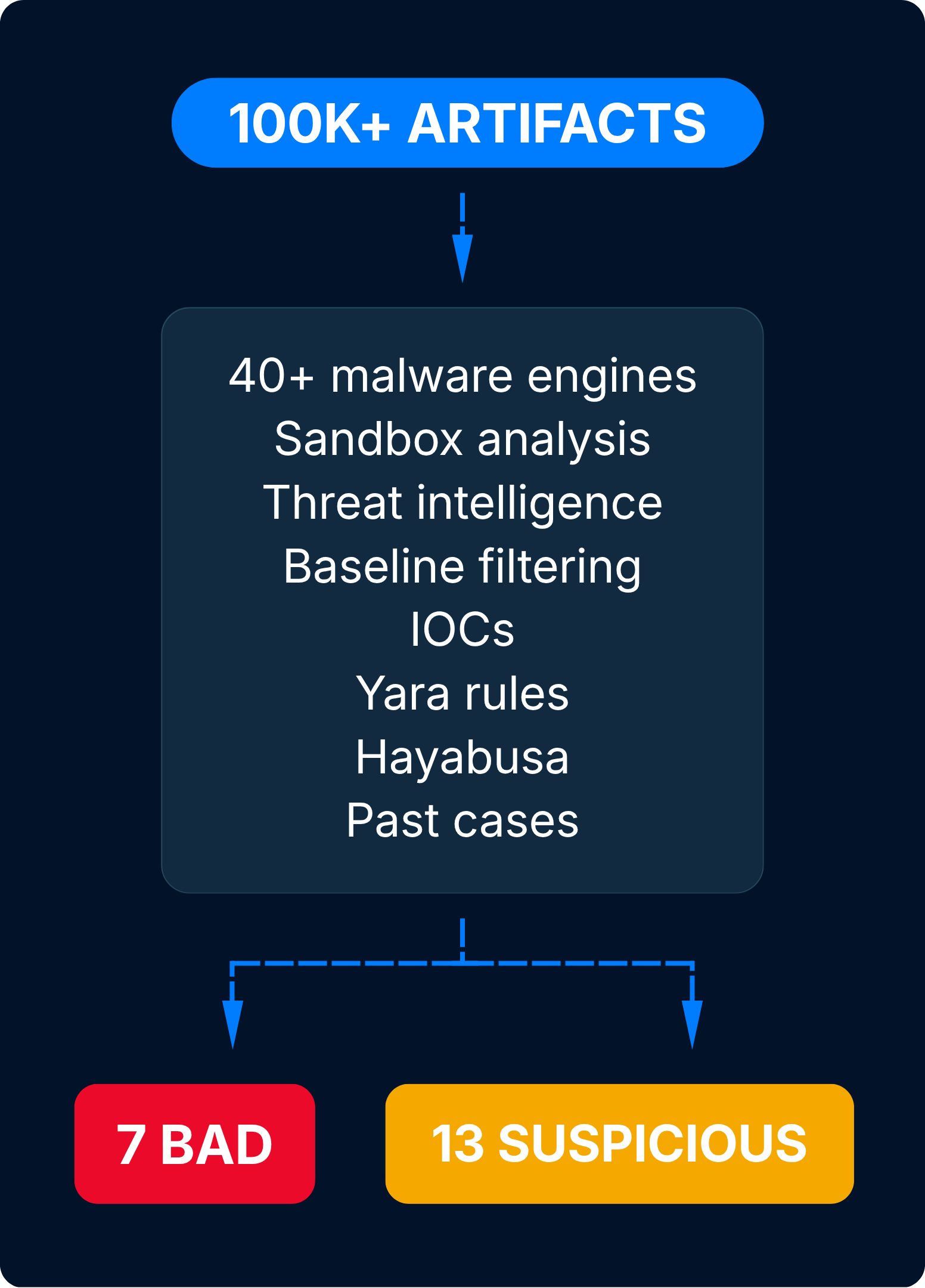
Cyber Triage uses Automated Analysis to score items by their suspiciousness. This process uses 40+ malware engines, AI, YARA, Hayabusa, and 5 other detection layers to analyze ingested data comprehensively.
The result: Instead of 30,000 artifacts, investigators can immediately focus on the 30 clues that matter most.
CHASE DOWN EVERY LEAD
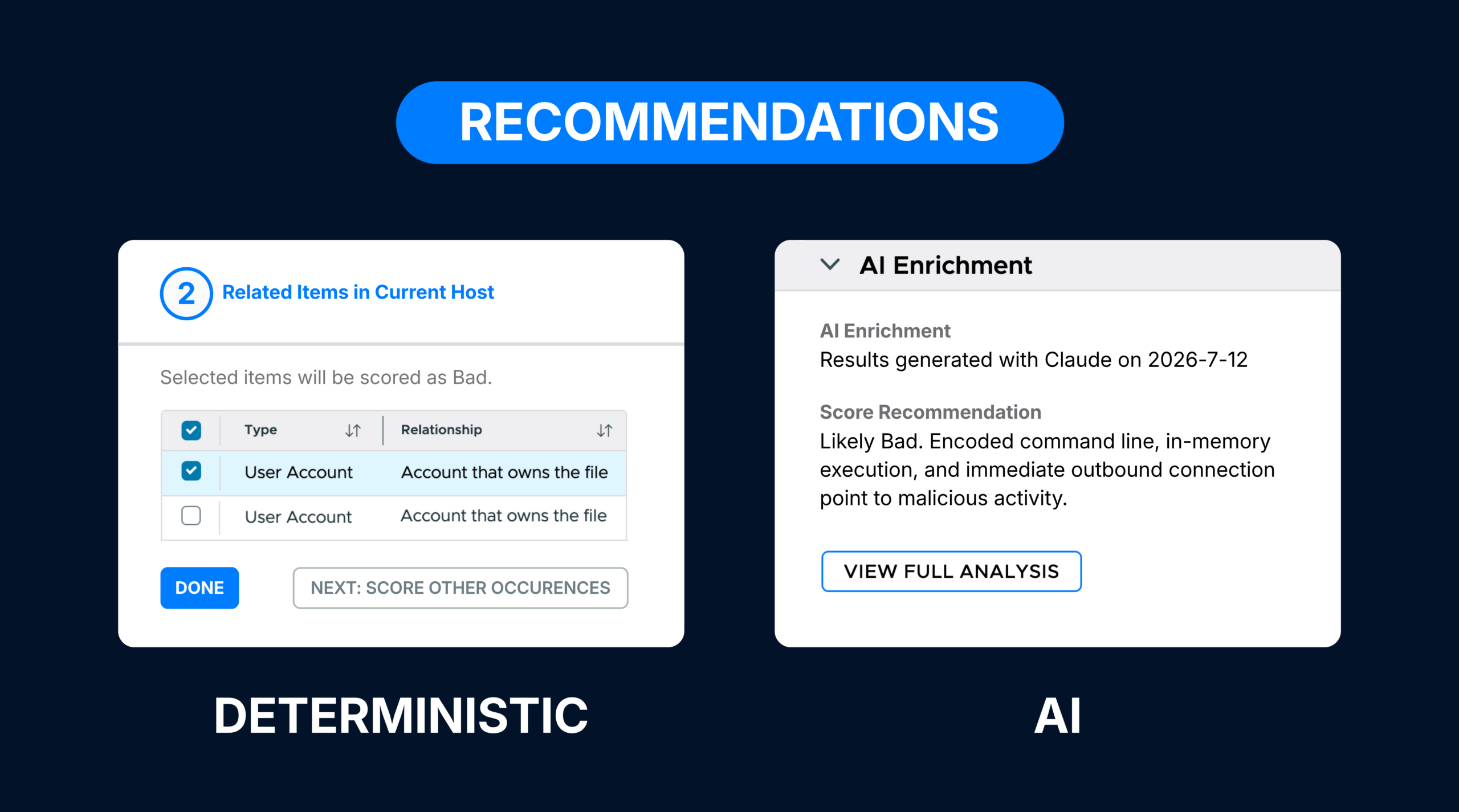
Cyber Triage provides rules-based recommendations and on-demand AI suggestions as you review the scored items. Deterministic recommendations suggest similar items to look at, while AI recommendations provide context on suspicious items.
The result: Instead of having gaps, investigators work through every lead before coming to their conclusions.
GUIDED ANALYSIS CAPABILITIES
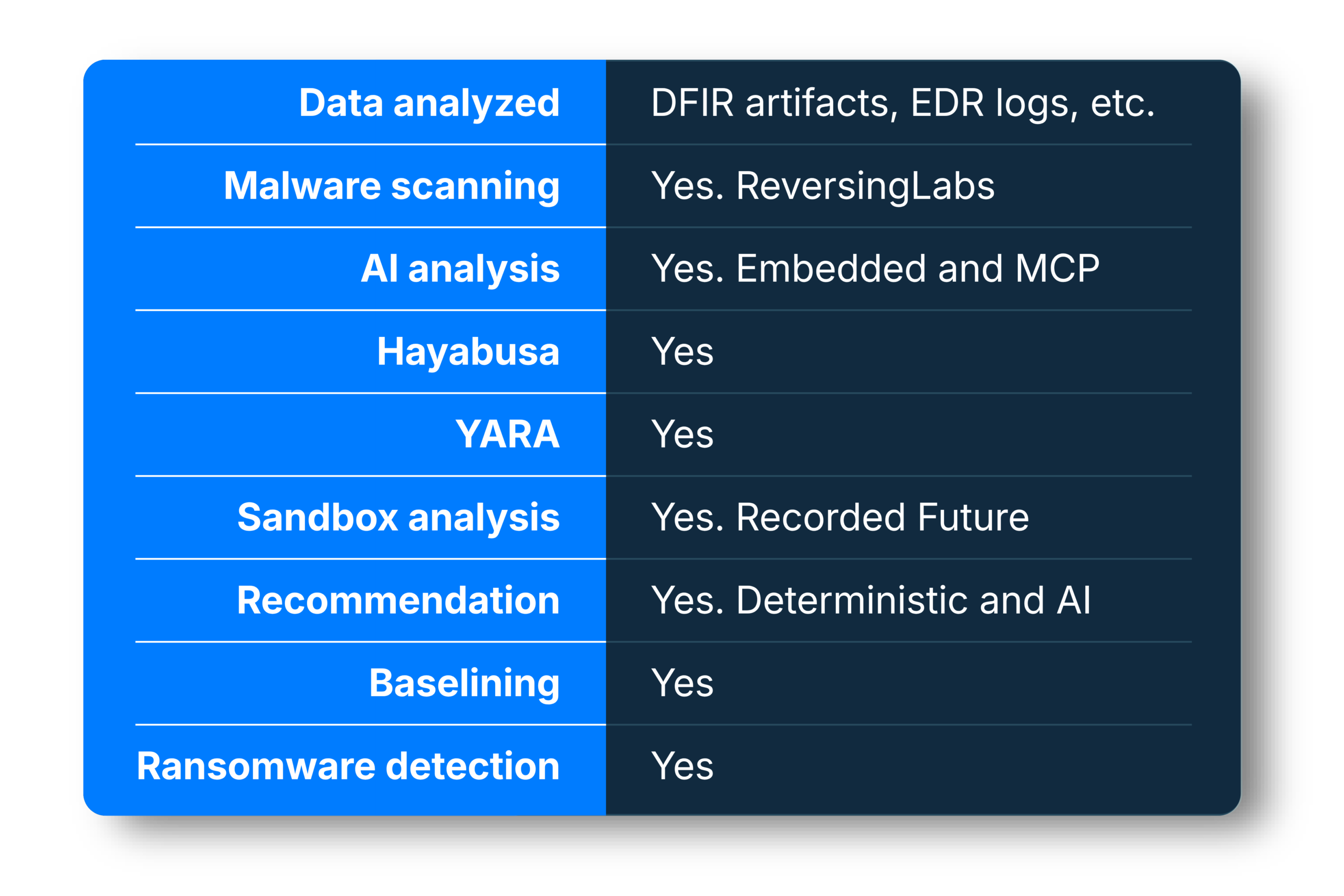
Cyber Triage has the most comprehensive analysis in DFIR.
MALWARE SCANNING
Cyber Triage uses ReversingLabs as the primary malware analysis pass. 40+ scanning engines provide analysis, threat detection, and classification.

AI ANALYSIS
Cyber Triage uses AI to interpret and enrich the scored results. AI can summarize bad and suspicious items and add additional context to any artifact during review.
YARA RULES
Cyber Triage uses YARA to ensure our analysis covers the latest rules that antivirus software may not know to use. It also supports importing your own list of YARA rules.

HAYABUSA
Cyber Triage uses Hayabusa to analyze event logs and provide even more detection coverage for application-layer attacks.

SANDBOX ANALYSIS
Cyber Triage allows you to submit files to Recorded Future’s malware sandboxing tool when you want additional insight on items ReversingLabs has scored as suspicious.
IOCs
Cyber Triage can use lists of indicators to identify a file as good or bad. You can import lists from threat intelligence feeds and manually add items during your analysis.
BASELINE FILTERING
Cyber Triage allows teams to use gold images as a baseline so false positives during scoring are minimized.

CUSTOM THREAT INTEL
Cyber Triage will soon allow you to use your own threat intelligence feeds as an additional detection layer.

RANSOMWARE DETECTION
Cyber Triage uses specialized detections to flag ransomware notes, including statistical techniques and threat intel.
AI RECOMMENDATIONS
Cyber Triage uses AI to provide additional context on suspicious items using OSINT data. This helps investigators decide if the suspicious item is good or bad.

DETERMINISTIC RECOMMENDATIONS
Whenever you mark an item “bad” or “suspicious,” Cyber Triage identifies associated items for you to review. This allows you to expand your investigation as you uncover more clues.
THE IMPACT OF GUIDED ANALYSIS
CY4 is a security and digital forensics consultancy that needed to speed up IR analysis for its clients without losing any quality. They had traditional DFIR platforms, like AXIOM, but they needed something faster.
So they tried Cyber Triage.
“Having the tool automatically flag things as bad or suspicious in the beginning of the case saves so much time,” said CY4’s IR lead.
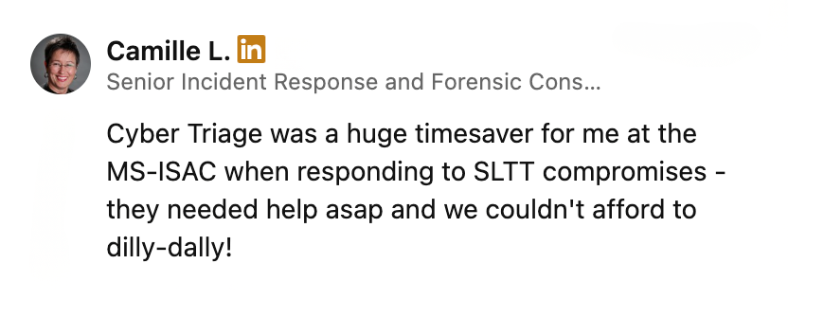
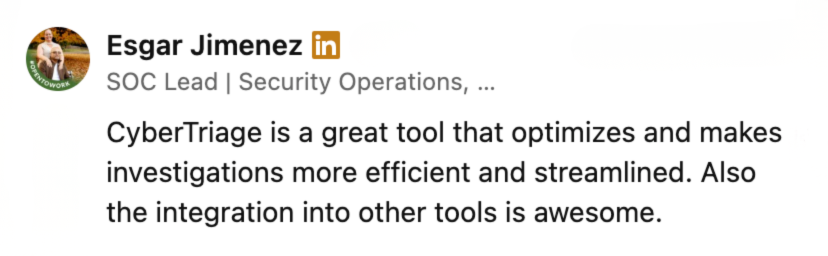
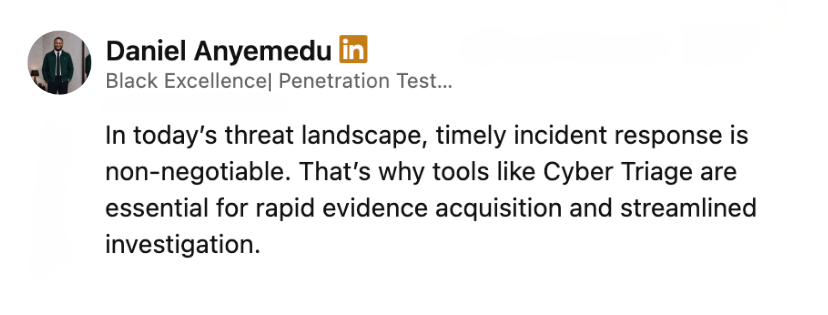
WHAT USERS ARE SAYING

TEST OUR PROMISE
See what Cyber Triage can do for your team with a free, 1-week evaluation.